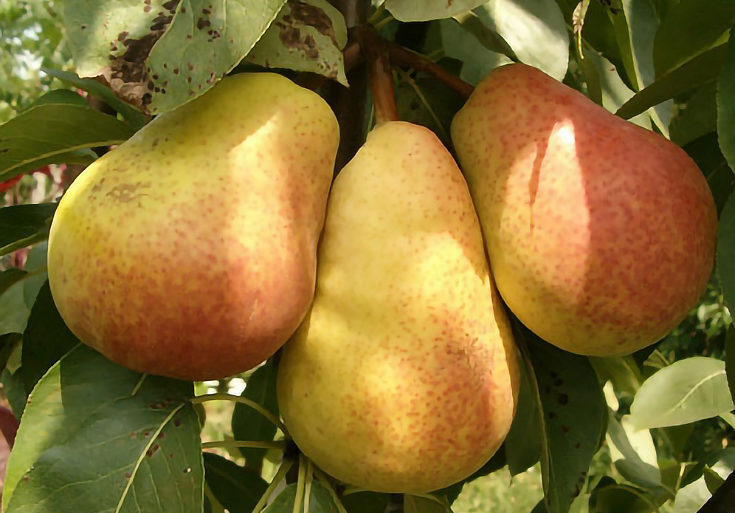
Over the past few weeks we've explored nearly all of the layer blending modes found in GIMP and Photoshop, so in today's article I'll be finishing up the series by demonstrating the final four: Hue, Saturation, Color and Value.. . . read more
So many blending modes, so little time. . . Up until now we've looked at the more common blending modes, but in today's article we'll be examining these five: Difference, Addition, Subtraction, Darken, and Lighten.. . . read more
Last week I demonstrated several blending modes used in GIMP and Photoshop, such as Multiply, Divide, Overlay, and Screen. Today I'll be exploring four more: Dodge, Burn, Hard Light and Soft Light plus a few bonus modes found only in GIMP.. . . read more
Blending modes are a great way to change the effects of layers in Photoshop or GIMP - as long as you know how they work. This easy-to-understand tutorial explains some of the more common blending modes.. . . read more
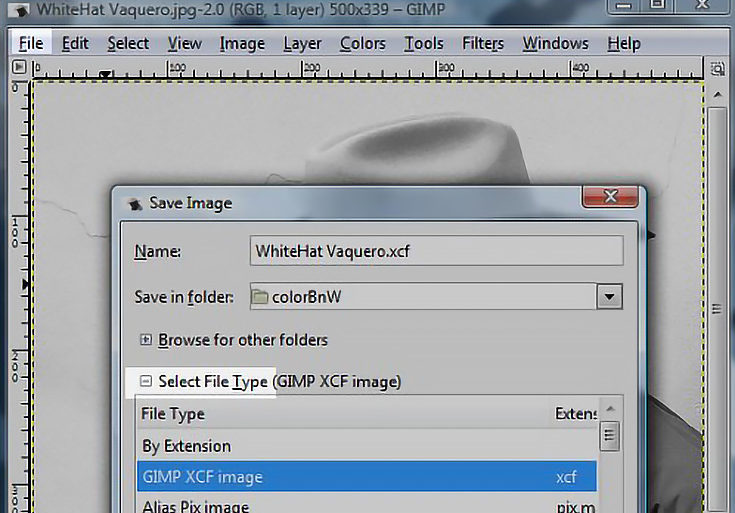
In my last GIMP tutorial I showed you how to make a sepia-tone photo from a color photo. Today we're going to do something similar - follow along to learn how to digitally color (or hand-tint) a black and white photo in GIMP.. . . read more
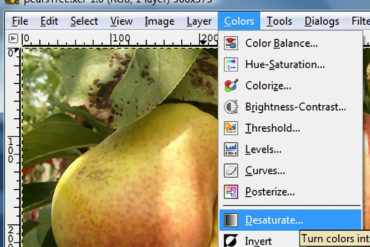
Some of your favorite photos may look great with a vintage sepia tone. Using an image editor like GIMP, that transformation is very easy to accomplish. Your first step is to start by scanning a photo into GIMP or by opening up a digital photograph already on your computer.. . . read more
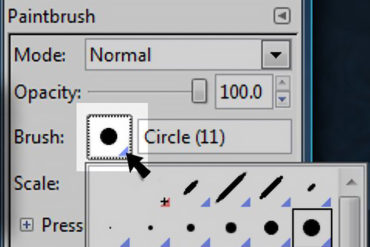
There are three ways to create brushes in GIMP, but let's start off by adjusting an existing brush. With the brush tool selected in your tools palette, click on the icon that shows what brush tip you currently have selected.. . . read more
If you're a traditional artist, transferring your skills to a digital format can be both frustrating and rewarding. Luckily, with a Wacom pen and tablet things get a bit easier.. . . read more
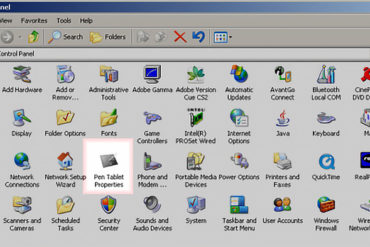
Once your digital drawing tablet is installed on your computer, there are some settings you'll need to customize before you can use it in GIMP. If you own a PC, go to your start button, open up control panel and click on the Pen Tablet icon.. . . read more
Many artists use GIMP just to create digital paintings or edit photos, but it also has some great built-in features for making eye-catching text. The following tutorial will show you some quick and easy ways to create those text effects.. . . read more