
Recently a couple of my students have asked questions about creating distance in a picture. Luckily, whether you’re drawing, painting, or printmaking the principles are the same.
To start with, you’ve got to get the structure of your picture working first. By that I mean that the perspective (and the relative scale) of different objects in the picture need to be accurate.
But even with all of that correct, you can still have problems with depth. And although you want your picture to create the illusion of depth, and you want to feel like you could walk into it, instead it feels flat.
You may have even seen a painting where the background is coming forward or the foreground feels like it is going back. If that describes a picture you are working on at the moment, then read on. . .
4 general rules for creating an illusion of distance
1. High contrast comes forward, low contrast goes back.
If you are working in black and white, you want black and white near each other in the foreground, less contrast in the middle ground and less again in the background.
Less contrast can mean going greyer and paler in the background, or it can also work going darker into the background. (Choose one or the other but not both.)
2. Bright colours come forward, dull or neutral colours go back.
This rule is relative to other colours in the same picture. You don’t have to have bright colours in the foreground but if they are brighter than those in the middle or background they will come forwards.
If you want to put a bright colour in the background you may need to add a bit (and I mean a tiny bit) of the complimentary colour to push it back a bit. For example, adding a bit of purple to a yellow makes it a slightly duller yellow. (If you get brown you’ve added too much!)
3. Warm colours come forward, cool colours go back.
Again, this is relative to other colours in the picture and requires all other things to be equal. The previous two rules trump this rule.
4. Large marks come forward, smaller marks go back.
This one is pretty obvious. . . if you are painting, use a smaller brush for details in the background than you did in the foreground. If you are drawing, use larger marks in the foreground than you do in the background. If you are carving a linocut, use a larger cutting tool in the foreground.
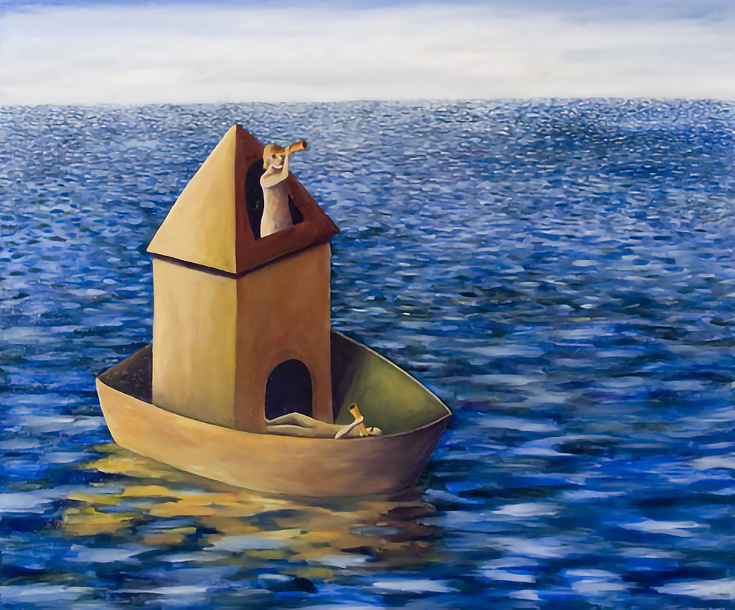
Of course in art rules are made to be broken, and for any rule you can find an artist who has broken the rule and made it work. But these four rules should get you started. Now go back to your flat painting and give it some depth :)
To learn more about Shana, please visit her website at ShanaJames.com.

This post may contain affiliate links.