
Besides adding a Twitter widget to your art blog—or setting up your blog to automatically tweet about your most recent posts—you can also take advantage of Twitter’s promotional power through the use of a “Tweet This” button or link.
Having a “Tweet This” button allows your readers to easily share your blog’s main web address with all of their Twitter followers.
There are many different “Tweet This” programs available, but the two that I liked the most were called “Share This” and “Uptweet.”
Both are simple gadgets that you can install on your art blog. . . the only difference between the two is in how they appear on your blog. “Share This” is a simple text link while “Uptweet” is a small button with a counter that keeps track of how many times your blog has been tweeted.
For this tutorial, we’re going to show you how to use the “Uptweet” program.
Step 1: Start at FC Gadgets
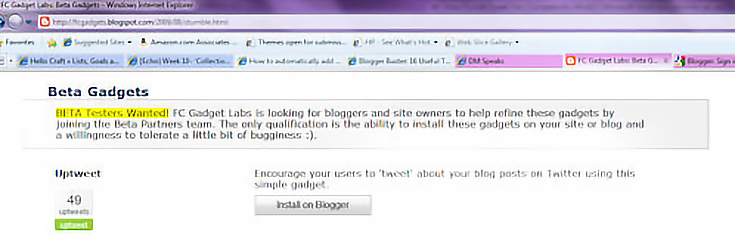
Go to FC Gadgets and click on the gray “Install On Blogger” button.
Step 2: Sign into Blogger
Once you click the button you’ll be taken to Blogger’s login page as seen below:
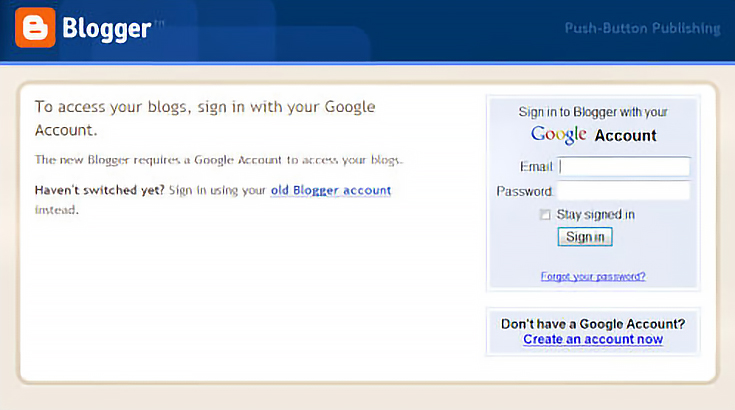
Sign in using the email address and password for your art blog.
Step 3: Add Uptweet
After signing into your blogger account, you’ll be taken to a page that shows you the various settings for the Uptweet gadget:
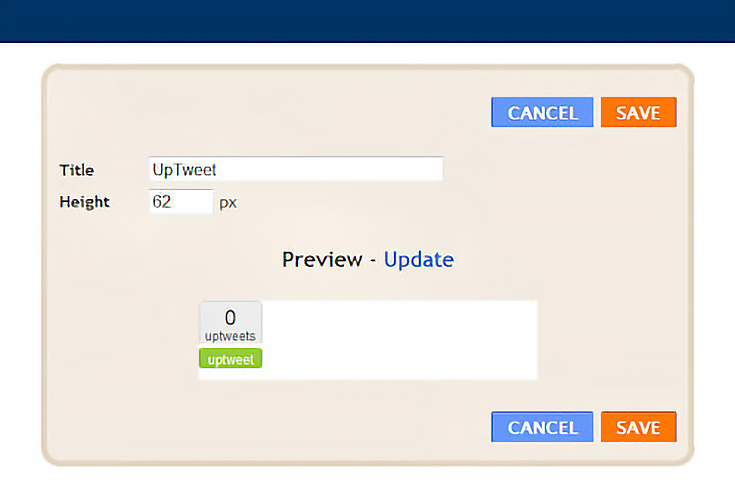
Here you can change the title of the gadget from “Uptweet” to “Tweet This” and adjust the height of the gadget itself. Once you’ve made any necessary changes, click on the orange “save” button.
After you click the “save” button, this page will disappear—it’s been installed.
Step 4: Check your art blog
Go to blogger.com. Since you’re already logged in, you’ll automatically be taken the dashboard, as seen below:
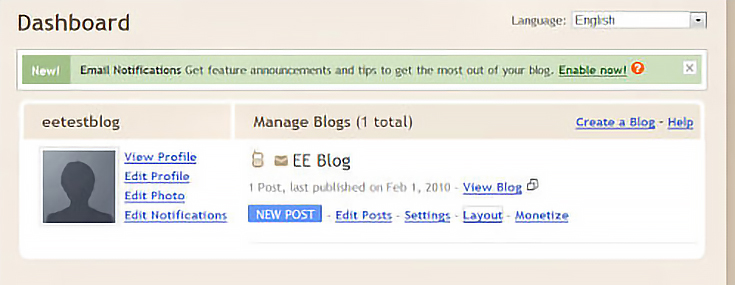
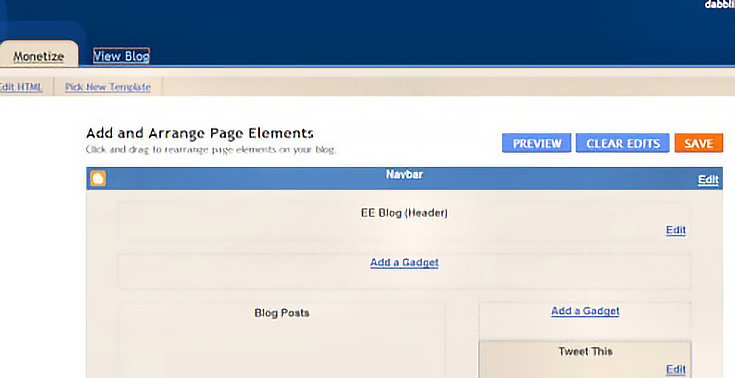
Click on the “Layout” link to be taken to the “Page Element” area of the dashboard. It’s here that you should see the “Uptweet” gadget (which I’ve renamed “Tweet This”) installed on the column on the right.
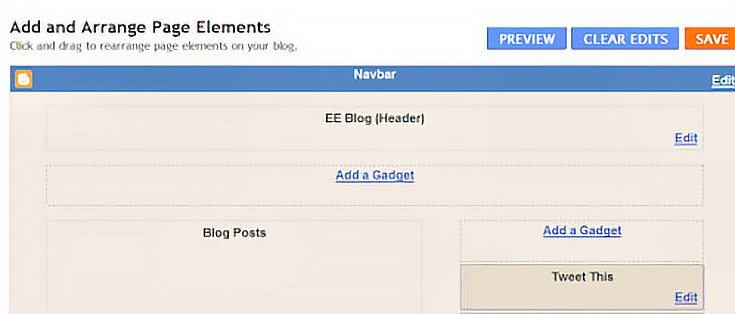
Once you can see that the gadget has been installed, click on the blue “View Blog” link at the top of the screen just to make sure the gadget shows up for everyone else who views your blog, too.
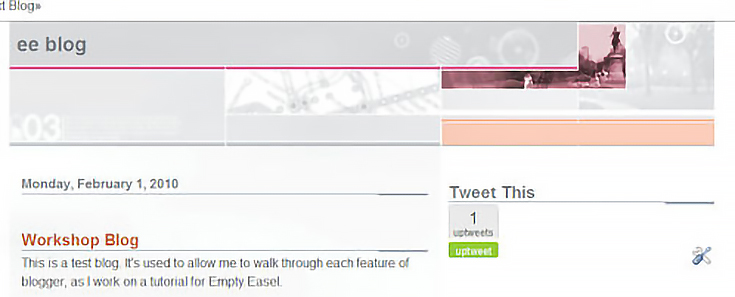
You should see the “Uptweet” button on the sidebar of your blog—here’s what mine looks like on my test blog, shown below:
Step 5: Test the Uptweet button
Your “Uptweet” button probably shows the number of tweets at zero. To test it, click on the green “Uptweet” button and share your blog with your Twitter followers. Once you do, the number will increase by 1.
Go ahead, give it a try. You will be asked to provide your Twitter login information. Then a new page will open up, shown below:
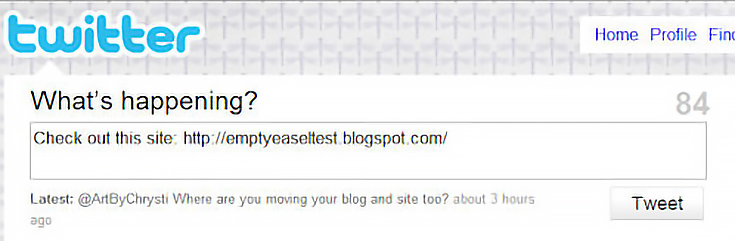
Twitter’s famous “What’s Happening?” box will already be filled in. All you have to do is click on the “Tweet” button and actually send the tweet to your followers.
Congratulations! You’ve now incorporated an easy tool that allows your readers to share your art blog with their Twitter friends and followers. It’s that easy!

This post may contain affiliate links.